My AWS Hackdays Philippines 2019 Experience
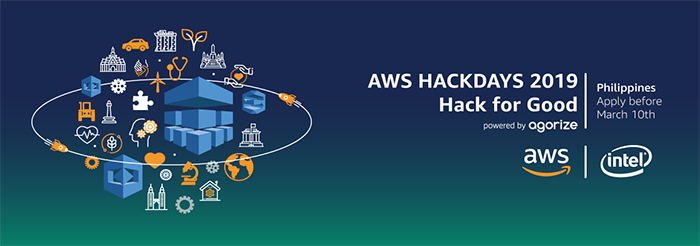
Just want to share my AWS Hackdays Philippines 2019 experience last Wednesday, March 20, 2019. Unfortunately, we didn’t win, but it was fun, we gained new friends and had a realy great experience.
Here are the lists of top 5 teams presented at the AWS main office at BGC, Makati.
Continue reading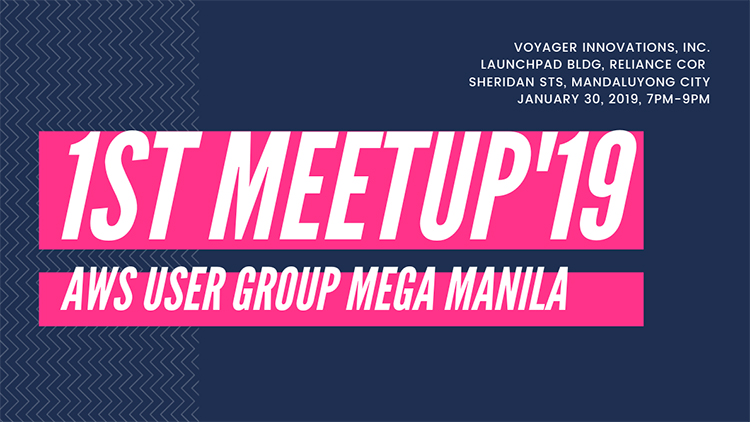
AWS User Group PH 1st Monthly Meet-up 2019
Im very thankful for the opportunity to share my knowledge last night at AWS User Group PH 1st monthly meet-up that was held at Voyager Innovations, Inc. Mandaluyong.
Two hours with 4 speakers is just a short time so i wasn’t able to discuss all of my slides but anyways I’m sharing it and you can download it here.
AWS Certified Alexa Skill Builder – Specialty Beta Exam

AWS recently announced AWS Certified Alexa Skill Builder – Specialty Beta Exam.
Setting up Echo Buttons
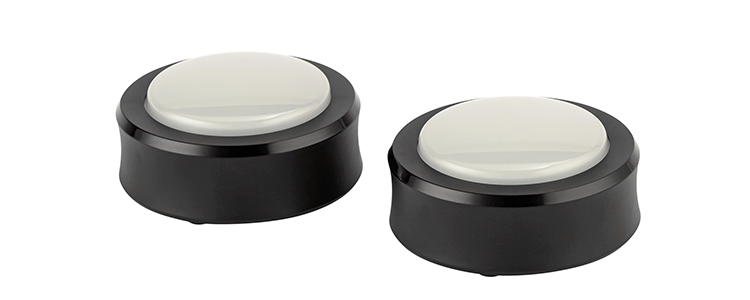
Echo Buttons, an Alexa Gadget. Just bought an Echo buttons on amazon.com for $19.99 last month. In this blog ill show you how to set up Echo buttons and play with a game.
AWS Certified Solutions Architect – Professional
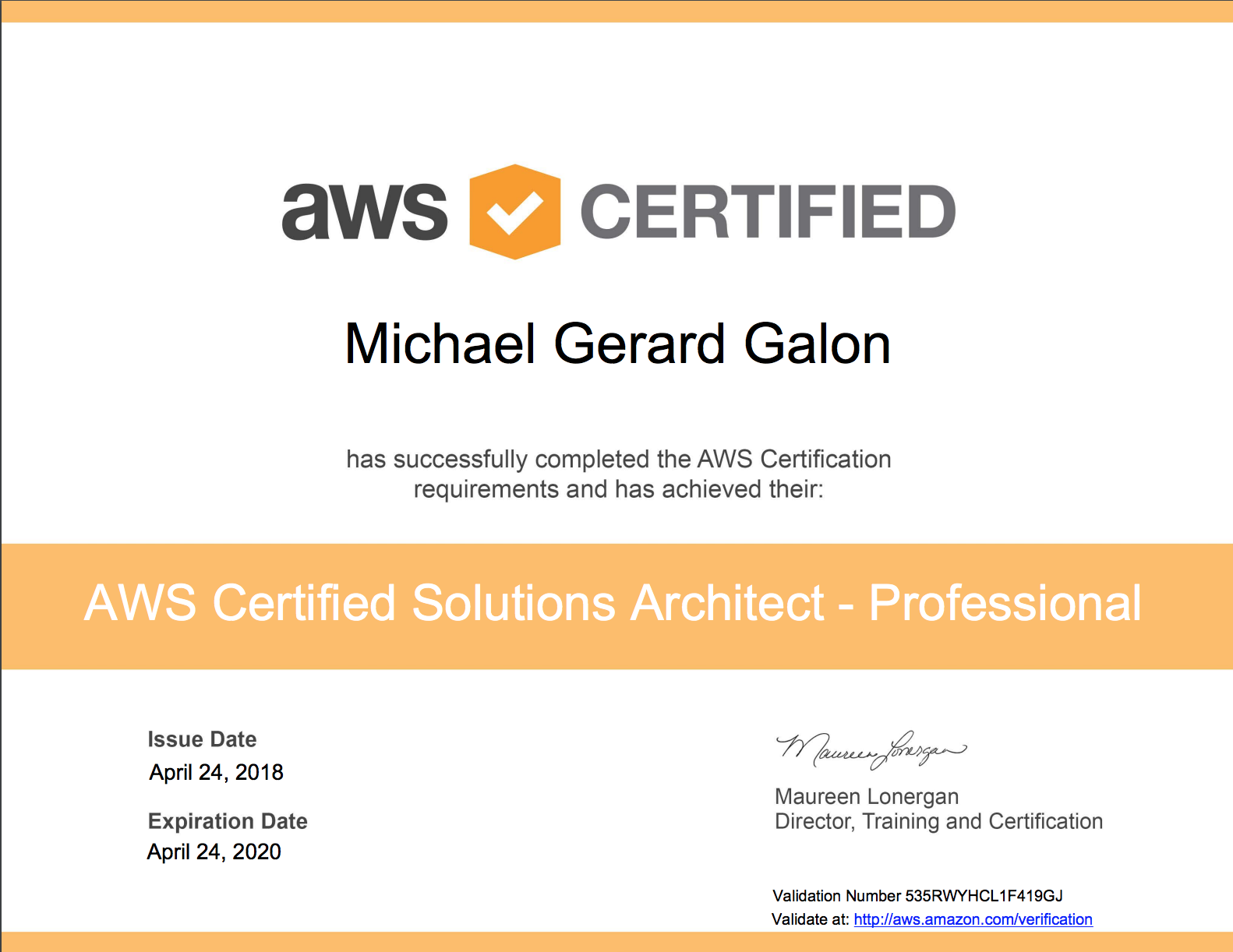
Just got passed AWS Certified Solutions Architect – Professional
Sharing Alexa Hello World at Far Eastern University Makati
Last Thursday March 15, I was able to have an opportunity to share my knowledge about Alexa at Far Eastern University (FEU) Makati. I discussed trends about Voice apps, what is Alexa Skills, utterance, intent and available devices, writing Hello World using AWS Lambda and HTTP endpoint via EC2, Route53 and certbot (SSL) and many more. It was a great day!
“Hello World” using HTTPS endpoint
Let’s start creating a simple Alexa Skills with the famous “Hello World” using HTTPS endpoint. To start off, we need the following accounts:
“Hello World” using Lambda
Let’s start creating a simple Alexa Skills with the famous “Hello World” using AWS Lambda. To start off, we need the following accounts:

AWS Command Line Interface
So why do we need to use AWS Command Line Interface or AWS CLI in creating an Alexa Skills? The reason is that we will use this tool to upload our scripts or codes in AWS Lambda. We can use AWS Lambda to upload manually per script or compress .zip file or direct code through AWS Lambda dashboard or you can use AWS S3 to host a script. So let’s install AWS CLI.

Creating Amazon Alexa Account
When you buy an Alexa device i.e. Amazon Echo Dot or Amazon Echo, and in order for you to install an Alexa Skills, you need to signup on Alexa Amazon. See sample screenshots below